




































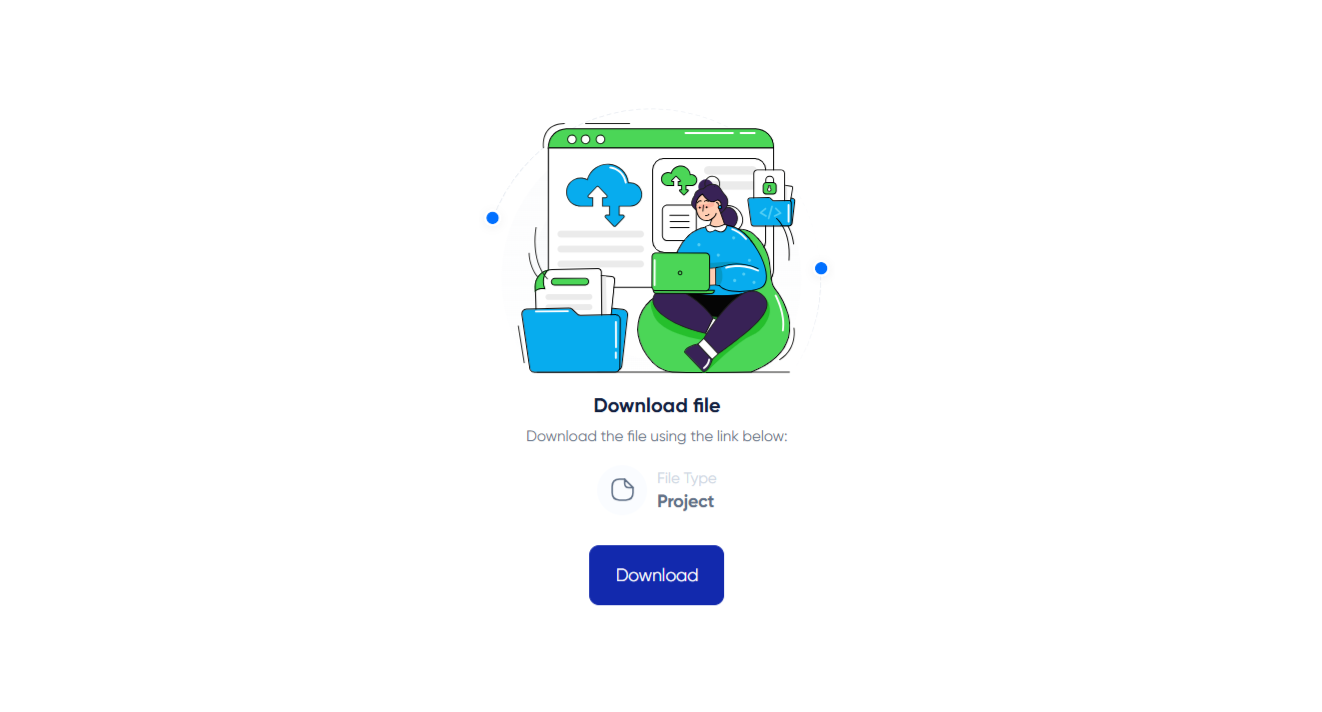

Downloading Course Resources on Algorithm Institute
Many courses include supplementary resources such as PDF guides, code files, templates, and worksheets. Downloading these materials allows you to study offline, practice coding exercises locally, and build a personal reference library.
Types of Resources
Common downloadable materials include source code for programming exercises, PDF summaries of each module, template files for projects, cheat sheets, and additional reading. The resource list for each course is visible on the course page before enrollment.
Step 1: Navigate to Resources
Open the course and look for a "Resources" or "Materials" tab, usually next to the lessons or modules section. Some courses also include download links within individual lessons.
Step 2: Browse Available Files
The resources page displays downloadable files organized by module or lesson. Each entry shows the file name, type, size, and a download button. Read descriptions to understand how each resource relates to the course content.
Step 3: Download Files
Click the download icon next to any file. Some courses offer a "Download All" button that packages everything into a ZIP archive. Files are typically in PDF, ZIP, MP4, or code file formats.
Organizing Your Downloads
Create a dedicated folder for Algorithm Institute materials. Organize subfolders by course name and module number. This makes it easy to find specific files during coding practice or review sessions.
Usage Rights
Course resources are for personal educational use only. Do not redistribute, sell, or publish materials without permission. Respect copyright and licensing terms attached to each resource.



Reply to Comment